Why Your VFX Looks Fake? 5 Pro 3D Design Corrections.

Why Your VFX Looks Fake? 5 Pro 3D Design Corrections
Ever found yourself watching a blockbuster movie, completely immersed, only for a single visual effect to yank you straight out of the fantasy? That sudden "fake" feeling when something just doesn't sit right with your brain? You're not alone. In the world of visual effects, the line between breathtaking realism and jarring artificiality can be surprisingly thin. It's a frustration many 3D artists and filmmakers encounter, especially when working on a tight budget or deadline.
Achieving truly believable VFX isn isn't just about having the latest software or the fastest render farm. More often than not, it boils down to understanding fundamental principles of light, physics, and perception – the very things our eyes are accustomed to seeing in the real world. When these principles are overlooked, even the most intricate 3D models can fall flat. But fear not! We've distilled years of industry experience into five core 3D design corrections that can dramatically elevate your visual effects from merely "good" to undeniably "real." Let's dive in and fix those tell-tale signs of fakery.
Master Your Lighting Match for Seamless Integration
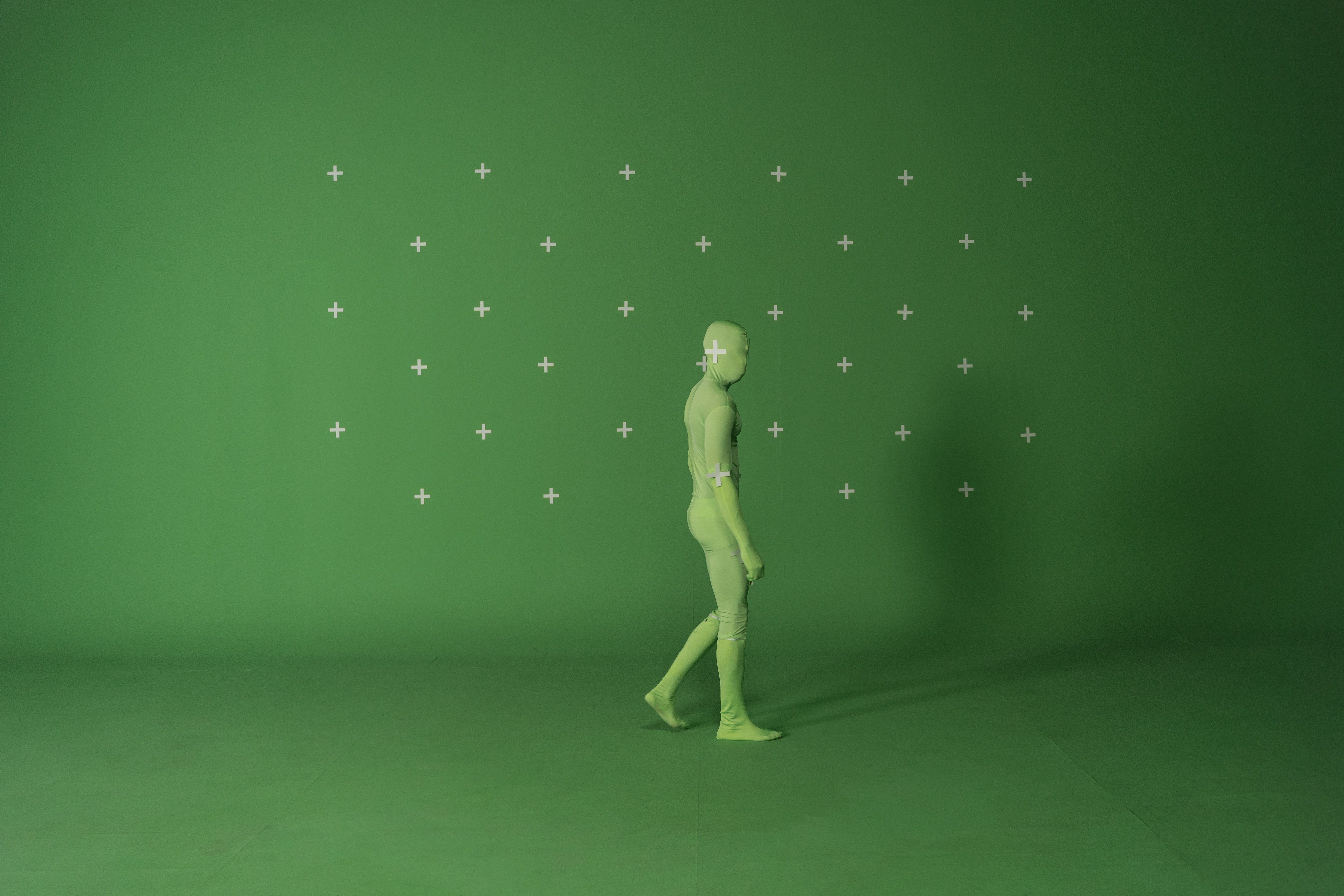
One of the quickest ways to break the illusion is mismatched lighting. Your CG element might be perfectly modeled and textured, but if the light hitting it doesn't convincingly match the real-world plate footage, it will immediately stick out like a sore thumb. This isn't just about brightness; it's about the direction of light, its intensity, its color temperature, and even the type of light source (hard sun vs. soft overcast, artificial vs. natural). Professional VFX artists spend countless hours analyzing every shadow, highlight, and bounce light in the original footage to replicate it precisely in their 3D scene.
To correct this, begin by meticulously studying your reference plate. Where are the key light sources coming from? What color are they? How sharp or diffuse are the shadows? Are there any visible bounce lights from surrounding surfaces? Utilize HDRIs (High Dynamic Range Images) captured on set, as they contain a full spectrum of lighting information, allowing your 3D software to accurately illuminate your CG assets. If an HDRI isn't available, manually place and color-match virtual lights based on your observations, paying close attention to both primary illumination and subtle secondary lighting effects that contribute to overall realism.
Embrace Real-World Camera & Lens Properties
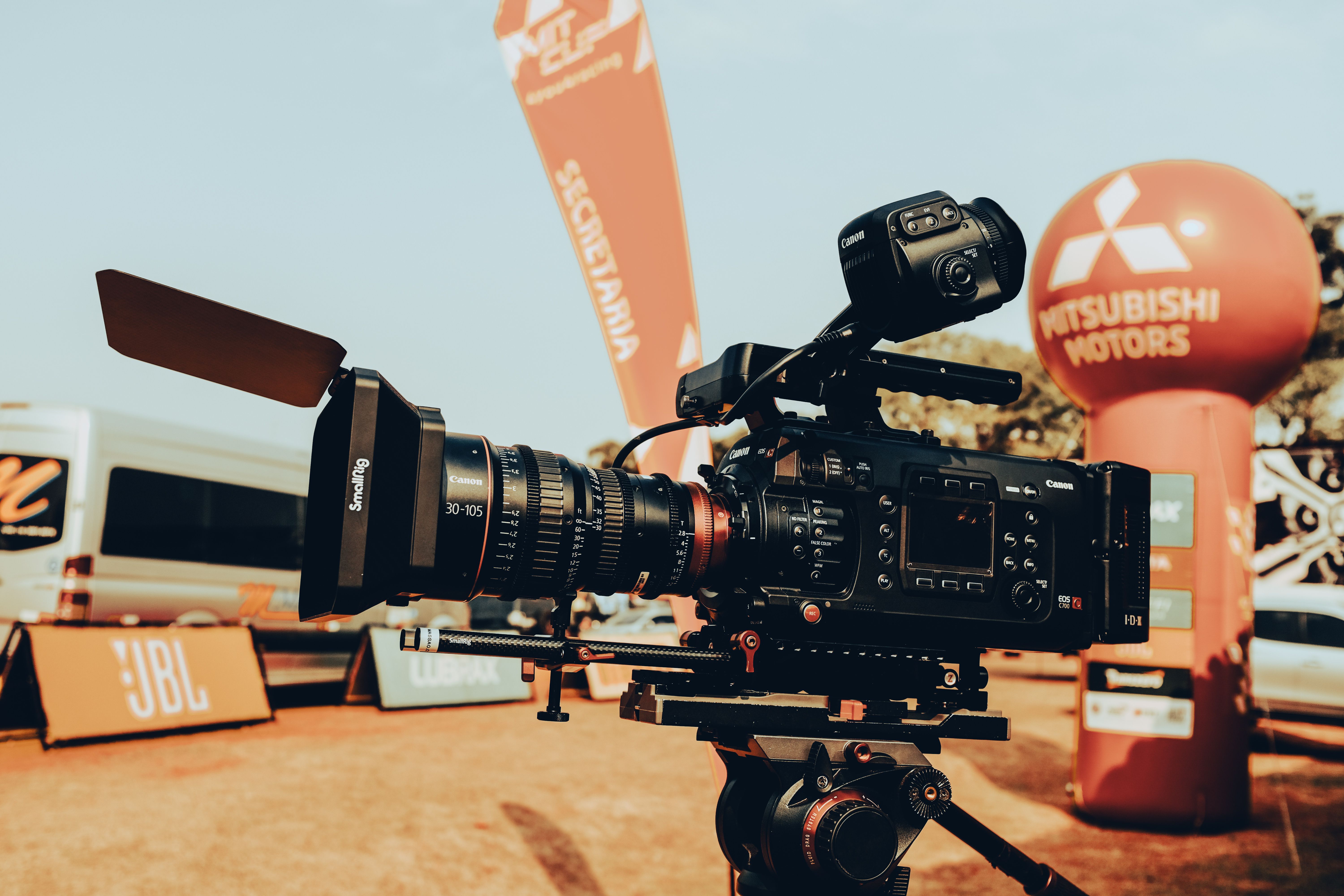
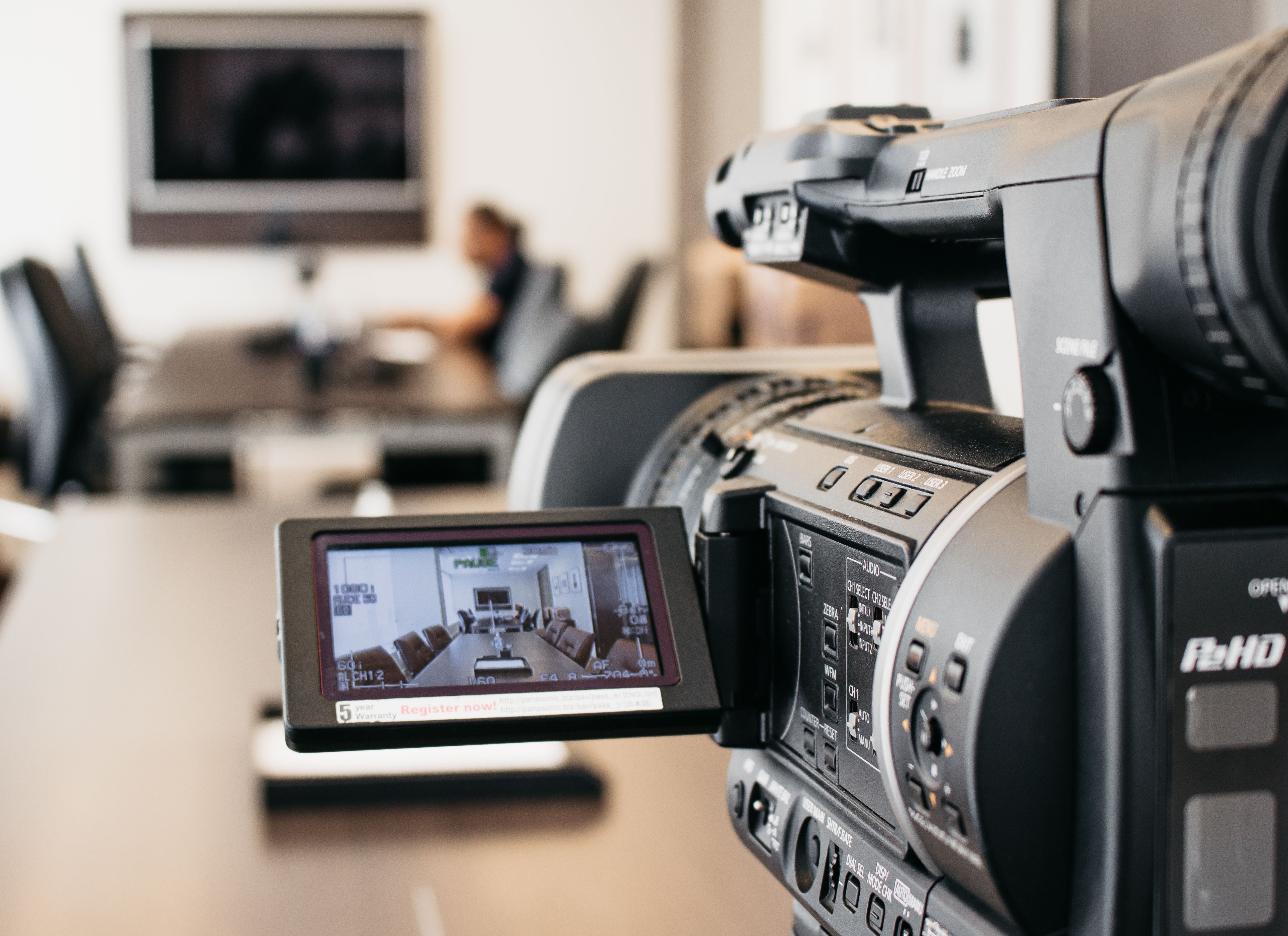
Your 3D elements need to "feel" like they were captured by the same camera and lens as the live-action footage. This goes beyond simply matching focal length. Real cameras have inherent characteristics like depth of field (blurring parts of the image), motion blur (streaking of fast-moving objects), lens distortion (pincushion or barrel effects), and even chromatic aberration (color fringing at high-contrast edges). If your CG object is perfectly sharp from front to back while the rest of the plate has a shallow depth of field, the illusion shatters.
The solution is to replicate these physical camera attributes in your 3D rendering pipeline. Ensure your virtual camera's focal length, aperture, and shutter speed match the on-set camera data. Render with realistic depth of field and motion blur, making sure the amount and direction of blur are consistent with the live-action elements. Post-production techniques can also help apply subtle lens distortion and chromatic aberration to your rendered CG pass, further embedding it within the photographic reality of your plate. This attention to optical authenticity convinces the viewer's brain that the CG element belongs.
Leverage Physically Based Materials (PBR) for Authentic Surfaces
Gone are the days of simple diffuse maps being enough. For truly realistic surfaces, you must embrace Physically Based Rendering (PBR) workflows. PBR materials accurately simulate how light interacts with different real-world surfaces – how much light they reflect (specular), how much they absorb (diffuse/albedo), how rough or smooth they are, and whether they have metallic properties. A glossy plastic will behave differently under light than a rough concrete slab, and PBR ensures these distinctions are accurately represented.
The core of PBR lies in accurately defining parameters like Albedo (base color), Roughness (how scattered reflections are), Metallic (whether the surface is metal or dielectric), and Normal/Bump maps (fine surface detail). Don't just slap on a single texture; invest time in creating or acquiring high-quality texture maps that drive these PBR channels. Even subtle variations in roughness across a surface, for example, can add immense realism by catching highlights in a natural, organic way, making your object feel tangible and grounded in the physical world.
Inject Imperfection & Organic Detail
The real world is messy, imperfect, and full of subtle variations. Perfectly clean, uniformly textured, and geometrically flawless CG objects scream "computer generated." Our brains are wired to detect patterns and anomalies, and an absence of imperfection is a major red flag. Think about the tiny scratches on a car, the dust settling on a surface, the slight wear on a handle, or the subtle discoloration of an old wall. These micro-details are crucial for believability.
To combat artificial perfection, actively introduce imperfections. Use grunge maps, smudges, subtle dirt, scratches, and wear-and-tear in your texture maps, especially in areas that would naturally accumulate them. Break up repetitive patterns with procedural noise or subtle variations. For organic elements like skin, plants, or certain fabrics, ensure you're using subsurface scattering to simulate light penetrating and scattering within the material, giving it a soft, lifelike quality instead of a hard, plastic look. These minute details, though often barely noticeable individually, collectively contribute to a powerful sense of authenticity and age.
Understand Environmental Interaction & Contamination
Finally, your CG element must interact with its environment in a believable way. This encompasses more than just lighting; it's about subtle reflections, refractions, ambient occlusion, contact shadows, and even atmospheric effects. A CG object simply dropped into a scene without acknowledging its surroundings will feel disconnected. Does it cast soft ambient shadows where it meets the ground? Does it reflect the colors of its surroundings? Is there a subtle haze or atmospheric perspective that affects its appearance at a distance?
Consider how your CG object influences and is influenced by the practical plate. If a red wall is nearby, should there be a subtle red color bounce on your CG asset? If it's a dusty environment, should some digital dust settle on its surfaces? Ensure your ambient occlusion maps are properly calculated to create realistic contact shadows, adding weight and presence. If your object has reflective or refractive properties, make sure it accurately captures and distorts its environment. These subtle environmental "contaminations" and interactions are often the final polish that seamlessly blends your digital creation into the real world, convincing the audience it truly exists within that space.
Conclusion
Achieving truly convincing visual effects is a blend of technical prowess and artistic understanding. It's about meticulously observing the real world and replicating its nuances in your digital creations. By focusing on these five professional 3D design corrections – mastering lighting, embracing camera realism, utilizing PBR materials, injecting imperfection, and understanding environmental interaction – you'll be well on your way to transforming "fake-looking" VFX into breathtaking, believable spectacles. Remember, realism lies in the details, and the human eye is incredibly discerning. Start applying these principles today, and watch your VFX artistry reach new heights.
If you're looking to elevate your visual content or need expert guidance on bringing your vision to life with stunning realism, don't hesitate to reach out. At FilmBaker, we specialize in crafting high-quality visual solutions that captivate and convince. Visit us at https://www.filmbaker.com/get-in-touch to discuss your next project and see how we can help you achieve truly impactful visual effects.